Has it ever happened to you that while making online payment using Google Pay, Paytm, PhonePe, or any other UPI payment service, your Internet connection stops working in the middle of the transaction? If yes, then *99#, a USSD (Unstructured Supplementary Service Data) based mobile banking service has got your back.
USSD allows users without a smartphone or data/internet connection to use mobile banking through the *99# code. It allows users to request and send money, change their UPI PIN, and check their account balance. It brings mobile banking services to everyone across the country. This service is currently offered by 51 leading banks & all GSM service providers and can be accessed in 12 different languages including Hindi & English. Here's how you can set it up and make offline UPI payments:
Below are the steps to register for offline UPI payments:
Step 1: Dial *99# on your phone. Make sure to use the phone number which is linked to the bank account otherwise the service will not work
Step 2: Now, opt for the desired language and enter the bank name
Step 3: A list of bank accounts linked to the phone number will appear. Choose the bank account that you want to use
Step 4: After that, enter the last 6 digits of your debit card with the expiry date
Once you have successfully registered, you can make UPI payments without an Internet connection, as explained below.
Steps to follow to make offline UPI payments:
Step 1: Dial *99# on your phone
Step 2: A menu will pop up with available facilities
Send Money
Request Money
Check Balance
My Profile
Pending Request
Transactions
UPI Pin
Step 3: Enter 1 to send money
Step 2: Choose your desired option and enter the UPI ID or phone number or bank account number of the person you want to send money to
Step 4:Then, enter the amount and click on send
Step 5: Enter UPI PIN to complete the transaction
Once done, your payment will be successfully made.

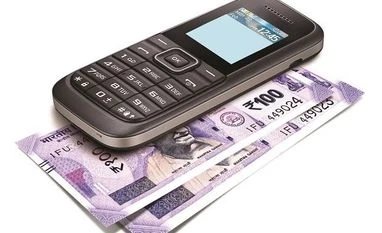 "USSD service to make UPI payments without Internet: Here's how to do it")

