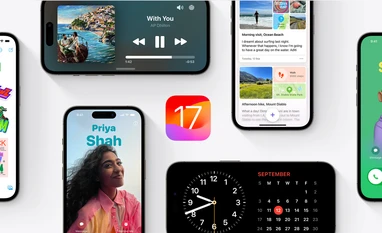
- Sign up for the public beta on Apple’s website (https://beta.apple.com/sp/betaprogram/)
- On iPhone, go to Settings-General-Software Update
- Tap on the Beta Updates option and select iOS 18 Pubic Beta
- Move back to Software Update page and wait for the download to appear
- Agree to Apple terms and initiate download process
- Installation will begin after download process
- Note: Back up iPhone before installing the beta
- iPhone 15
- iPhone 15 Plus
- iPhone 15 Pro
- iPhone 15 Pro Max
- iPhone 14
- iPhone 14 Plus
- iPhone 14 Pro
- iPhone 14 Pro Max
- iPhone 13
- iPhone 13 mini
- iPhone 13 Pro
- iPhone 13 Pro Max
- iPhone 12
- iPhone 12 mini
- iPhone 12 Pro
- iPhone 12 Pro Max
- iPhone 11
- iPhone 11 Pro
- iPhone 11 Pro Max
- iPhone XS
- iPhone XS Max
- iPhone XR
- iPhone SE (2nd generation or later)
You’ve reached your limit of {{free_limit}} free articles this month.
Subscribe now for unlimited access.
Already subscribed? Log in
Subscribe to read the full story →
Smart Quarterly
₹900
3 Months
₹300/Month
Smart Essential
₹2,700
1 Year
₹225/Month
Super Saver
₹3,900
2 Years
₹162/Month
Renews automatically, cancel anytime
Here’s what’s included in our digital subscription plans
Exclusive premium stories online
Over 30 premium stories daily, handpicked by our editors


Complimentary Access to The New York Times
News, Games, Cooking, Audio, Wirecutter & The Athletic
Business Standard Epaper
Digital replica of our daily newspaper — with options to read, save, and share


Curated Newsletters
Insights on markets, finance, politics, tech, and more delivered to your inbox
Market Analysis & Investment Insights
In-depth market analysis & insights with access to The Smart Investor


Archives
Repository of articles and publications dating back to 1997
Ad-free Reading
Uninterrupted reading experience with no advertisements


Seamless Access Across All Devices
Access Business Standard across devices — mobile, tablet, or PC, via web or app
)