


Uttar Pradesh Board declares Class 10 & Class 12 results 2017
The Board generally announces the results of both classes together
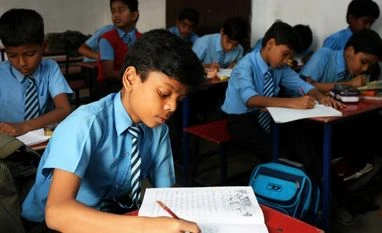 "Palenque / Shutterstock.com")
premium
<a href="http://www.shutterstock.com/gallery-91151p1.html?cr=00&pl=edit-00">Palenque</a> / <a href="http://www.shutterstock.com/editorial?cr=00&pl=edit-00">Shutterstock.com</a>
The Uttar Pradesh Madhyamik Shiksha Parishad (UPMSP) announced the results of Class 10 and Class 12 Intermediate Exams. The Board generally announces the results of both Classes on the same date whereas ICSE and CBSE boards declare the results on different dates.The official sources informed that 34,04,571 students appeared for Class 10 exam and 26,24,681 students appeared for Class 12 exam.